AI Chatbot for Medical Practices: Admin Yes, Advice No
Quick answer: an AI chatbot is useful for a medical practice when it handles the admin questions that tie up reception, such as hours, services, fees, medical aid or insurance, and appointment requests, and stays completely out of clinical territory. It should never assess symptoms, suggest treatment or ask patients to type in health details. Anything urgent should be pointed straight to a phone number or emergency services. Set up that way, it frees your front desk without putting patients or the practice at risk.
This guide is for GPs, specialists, physiotherapists, psychologists’ rooms and other small practices in South Africa, the US and elsewhere. It covers what a chatbot should do, where the hard lines are, the privacy questions to settle first, and how to set it up. It’s general information, not legal, compliance or clinical advice.
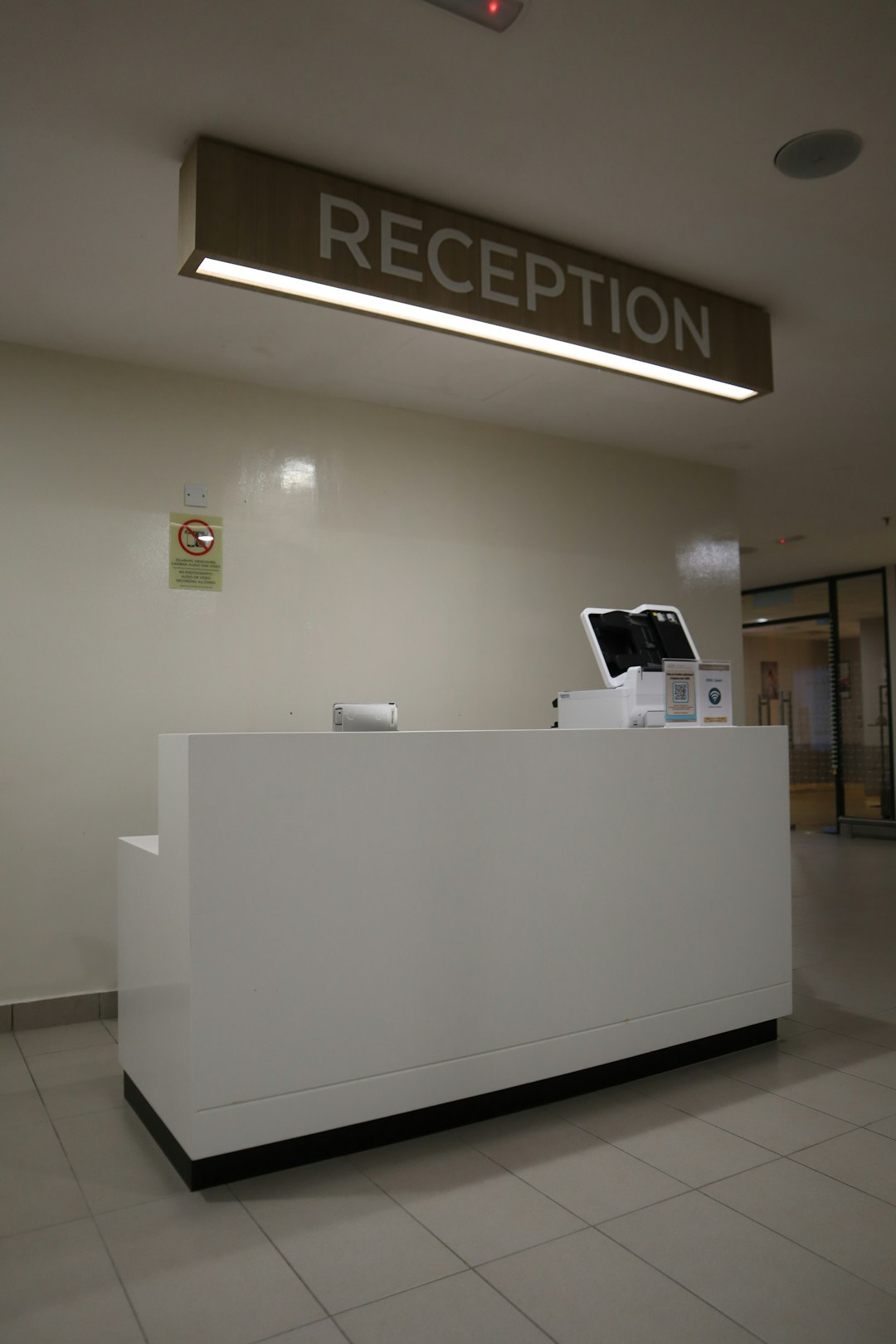
The real problem: reception is the bottleneck
Ask any practice manager what fills the phone lines and you’ll hear the same list. Are you open on Saturday? Do you take my medical aid? How much is a consultation? Can I book for Thursday? Where do I park?
None of those need a clinician, yet they keep the receptionist on the phone while patients wait at the desk. After hours they go unanswered, and some of those patients book elsewhere. A chatbot is good at exactly this kind of repetitive, factual question, as long as the facts are on your website.
What a practice chatbot should handle
- Practical information. Hours, public holiday arrangements, address, parking, accessibility and how to find the rooms.
- Services and who sees what. Which doctors or therapists consult on which days, and which services you offer.
- Fees and funding. Published consultation fees, which medical aids or insurers you accept, and how billing works.
- Appointment requests. Name, contact number and preferred time, passed to reception to confirm. It shouldn’t ask why the person needs the appointment.
- Admin questions. Repeat scripts, sick notes, forms and document collection, explained as your practice handles them.
The hard lines
These rules matter more than any feature. Put them in the chatbot’s settings before launch.
- No symptom checking, diagnosis or treatment advice. Not even “that sounds like it could be”.
- No medication advice. Dosages, interactions and side effects go to a pharmacist or doctor.
- Emergencies get a fixed reply. Anything that sounds urgent gets your emergency number and local emergency services, immediately, with no conversation.
- Don’t collect health information in chat. Booking needs a name, number and time. It doesn’t need the reason.
- Be clear it’s an assistant. Patients should know they’re not talking to clinical staff.
A good default reply: “I can’t give medical advice. If this is urgent, please call [number] or your local emergency number. I can help you request an appointment.”
Privacy: settle this before you install anything
Health information is treated as especially sensitive almost everywhere, which is the main reason to keep it out of the chatbot entirely.
- South Africa: under POPIA, health information is special personal information with stricter conditions for processing. Our POPIA-minded look at AI chatbots lists the questions to ask any vendor.
- United States: if your practice is a HIPAA covered entity, protected health information shouldn’t go into a website chatbot unless the vendors involved will sign a business associate agreement. Most small practices avoid the issue by not collecting health information in chat at all.
- Know the data flow. With a self-hosted WordPress chatbot, conversations stay in your own website database, but each visitor question and the relevant website content are sent to the AI provider to write the answer. That’s fine for “are you open Saturday”, and it’s exactly why symptoms don’t belong in chat.
Check professional rules too. In South Africa, the HPCSA’s ethical rules cover how practitioners may advertise. In the US, state medical boards and your malpractice insurer may have guidance. Anything the chatbot says is part of how you present the practice.
A realistic example
Picture a two-doctor family practice in Pretoria East. On a Sunday evening a parent types: “Do you see children and are you open tomorrow at 7?”
The chatbot confirms both doctors see children, gives Monday’s hours from the practice’s hours page, mentions which medical aids the practice accepts, and offers to take an appointment request. The parent leaves a name, number and “first thing Monday”. Reception confirms at 7.30 am.
If the same parent had typed “my child has a high fever and is very drowsy”, the chatbot should have skipped the small talk and given the emergency reply straight away.
Setting it up for a practice website
- Fix your website first. Make sure hours, fees, medical aids, doctors’ days and booking instructions are on your site and current. The chatbot answers from them.
- Write the boundaries. No clinical advice, fixed emergency reply, no health details in chat.
- Keep booking simple. Name, number and preferred time, passed to reception. If you use an online booking system, point people to it.
- Test with real questions, including ones that drift towards symptoms, to make sure the boundaries hold.
- Review conversations weekly at first and update any page that caused a poor answer.
For the general rules on what any chatbot should pass to a person, see our guide to AI chatbots for small business. Running a dental or aesthetic clinic? See the section on those practices further down.
How to tell if it’s helping
- Fewer routine calls about hours, fees and medical aid.
- Appointment requests received after hours.
- Questions it couldn’t answer, which usually point to gaps on your website.
- Feedback from reception after the first month.
The questions patients ask most
Before launch, check your website answers these clearly. The chatbot can only repeat what’s published.
- “Do you take my medical aid?” List the schemes or insurers you accept, and whether you bill them directly or the patient claims back.
- “How much is a consultation?” Publish standard consultation fees, or at least a range and what’s included.
- “Can I get a same-day appointment?” Explain how urgent and walk-in appointments work at your practice.
- “Which doctor is in today?” A simple page with practitioners’ consulting days answers a surprising number of questions.
- “How do I get a repeat prescription or sick note?” Spell out your process and any fees.
A US practice will add questions about insurance networks, copays and new-patient paperwork. The principle is the same: publish the answer once, clearly, and the chatbot does the repeating.
Common mistakes practices make
- Letting it discuss symptoms. Even friendly reassurance can be read as medical advice. Keep the boundary absolute.
- Asking why someone wants an appointment. It’s natural at a front desk, but it pulls health information into chat. Reception can ask on the phone.
- A slow emergency reply. The emergency message should appear immediately, not after three follow-up questions.
- Outdated hours. Public holiday and December hours are the most common source of wrong answers. Update them in advance.
- Hiding the phone number. Some patients will always want to call. Make the number easy to find in every reply about urgent matters.
After hours, weekends and holidays
This is where a practice chatbot earns most of its value. Patients often look for a doctor in the evening, after work or once the children are asleep. Without a chatbot, the website can’t tell them much beyond your phone number, which goes to voicemail.
With one, they can find out whether you’re open tomorrow, whether you see new patients, whether you accept their medical aid, and leave an appointment request. Reception starts the day with a list of people to call back instead of a full voicemail box.
It’s worth setting different replies for different times. During consulting hours the chatbot can suggest calling reception for anything it can’t answer. After hours it should explain when the practice reopens and where to go for urgent care in the meantime, such as an after-hours clinic or emergency department you’re comfortable recommending.
South Africa and the US: what differs
- Funding questions: SA patients ask about medical aid schemes and whether you charge medical aid rates; US patients ask about insurance networks, copays and deductibles.
- Privacy law: POPIA in South Africa, HIPAA for US covered entities, plus any state laws. The safe practice is the same in both: no health information in chat.
- Professional rules: the HPCSA in South Africa, state medical boards in the US. Both care about how practices advertise.
- Emergency numbers: make sure the fixed emergency reply gives the right local number for your country.
Dental and aesthetic clinics
Dental and aesthetic practices hear the same questions over and over: do you offer teeth whitening or a specific treatment, what’s the general price range, which medical aids do you work with, what’s the cancellation policy. Picture a dental practice in Pretoria where reception gets these messages between patients. With your services, pricing and policy pages in place, the chatbot can answer them instantly and capture the patient’s details and preferred times for reception to book. Two limits stay fixed. It never comments on whether a treatment suits someone, and it never answers claim or cover questions beyond the general information you publish. Those go to your team or the medical aid.
Frequently asked questions
Can an AI chatbot give medical advice on a practice website?
It shouldn’t. Limit it to practical and admin questions, and give a fixed reply that points urgent concerns to a phone number or emergency services.
Is a chatbot POPIA or HIPAA compliant?
Compliance depends on how you use it, not just the tool. The safest setup collects no health information in chat at all. Confirm your obligations with your compliance adviser.
Can it book appointments?
It can collect appointment requests for reception to confirm. Direct booking depends on the booking system your practice already uses.
What if a patient describes an emergency?
Set a fixed reply that gives your emergency number and local emergency services immediately, without further questions.
Key takeaways
- A practice chatbot should take admin questions off reception: hours, fees, medical aid and appointment requests.
- It must never assess symptoms or give treatment or medication advice.
- Keep health information out of chat entirely; it’s the simplest privacy protection.
- Emergencies get a fixed reply with phone numbers, straight away.
- Your website content decides how good the answers are.
See how it would work for your practice
Outview AI Chatbot is a WordPress AI assistant you buy once. It answers only from your own site and follows the rules you set, with a 14-day money-back guarantee before you go live. See features and pricing.